How-to guide
How to make a URL QR code (free)
A URL QR code turns a web link into a scannable code — for a product page, a menu, a form, anywhere you'd paste a link. This guide makes one for free in your browser, and shows when to make it dynamic so you can change the destination after it's printed.
When to use it
Use a URL QR code anywhere you want to send people to a web page from something printed: packaging, posters, flyers, menus, business cards. The free code here is static — the link is encoded in the code. If you'll want to change where it points later (or see how often it's scanned), a free account makes it dynamic.
Step by step: make your URL QR code
- 01
Open the free URL QR code generator
Open the KeptQR URL generator below — it runs entirely in your browser, so the link you encode never touches our servers.
Open the URL generator → - 02
Paste your link
Paste the full web address — KeptQR adds https:// if you leave it off. The preview updates as you type, so you can check the link before you download.

- 03
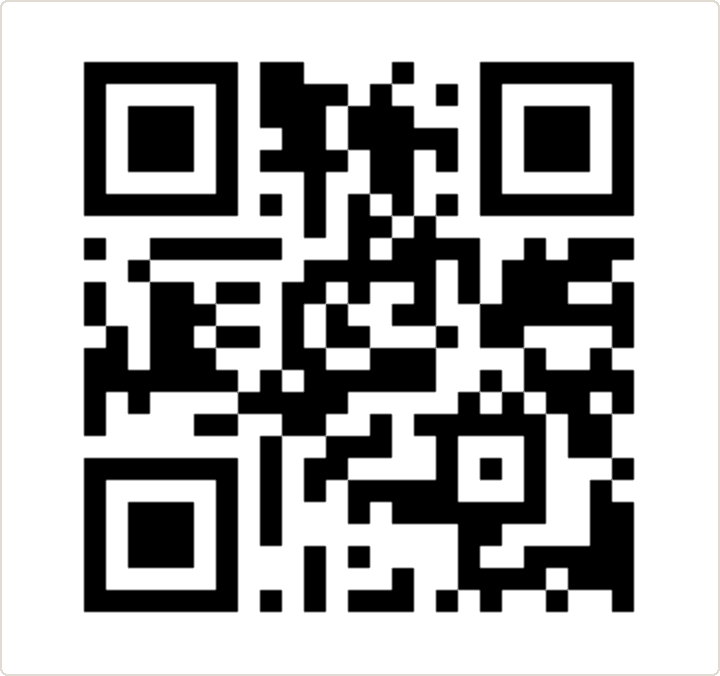
Check the preview
Scan the on-screen code with your phone to confirm it opens the right page. Catching a wrong link now beats reprinting later.
- 04
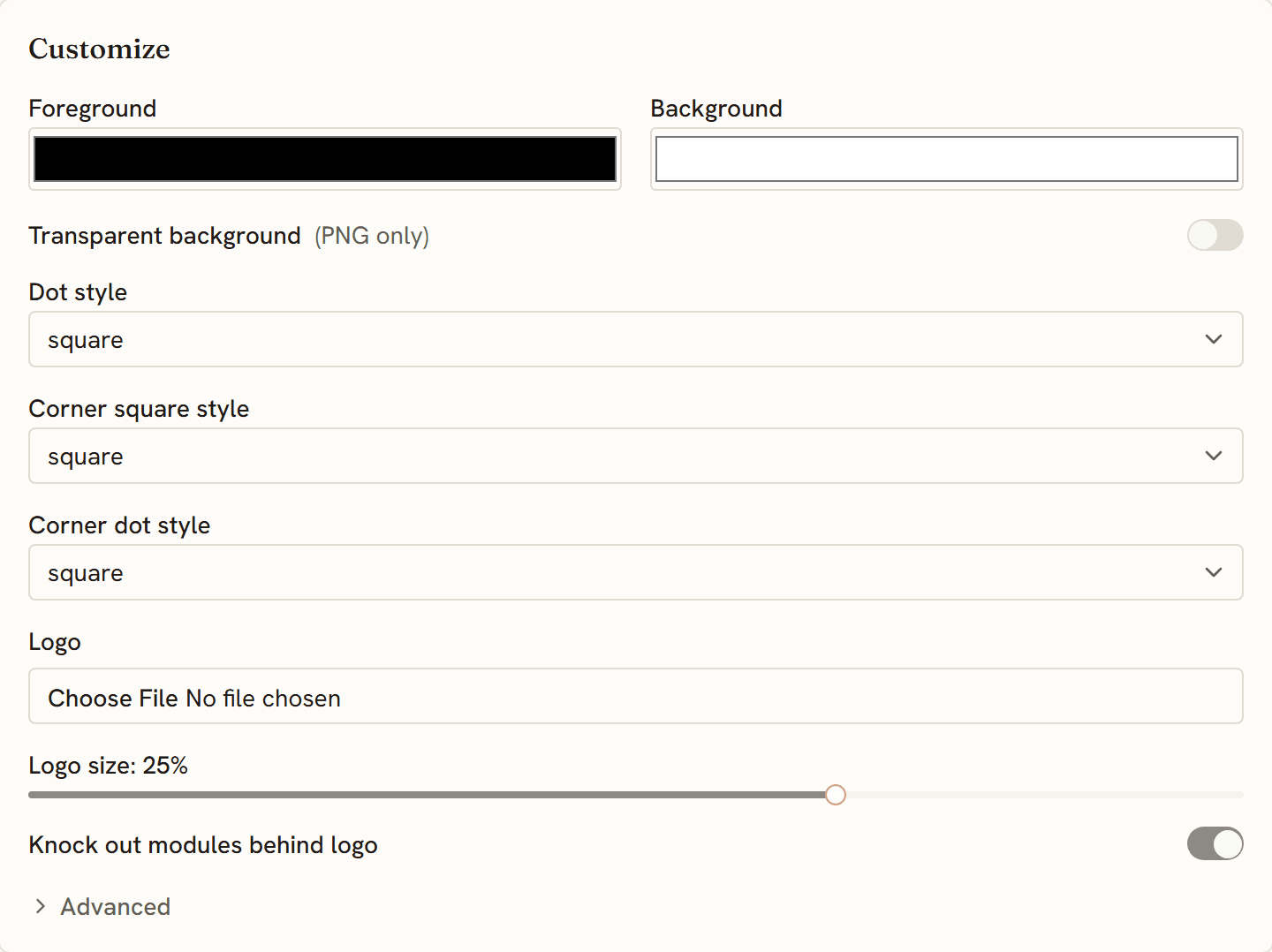
Customize the look (optional)
Set your colors and drop a logo in the center. It's free, and the generator keeps the code scannable by raising the error-correction level when a logo is added.
- 05
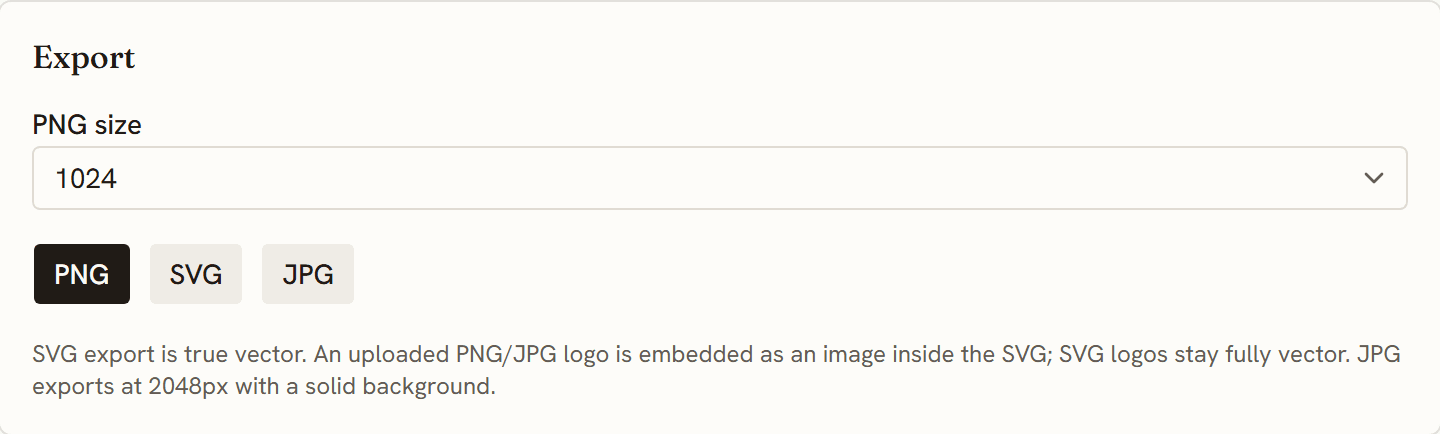
Download a PNG or SVG
PNG for screens and quick prints; SVG for signage and anything you'll scale up — an SVG stays crisp at any size.
- 06
Want to change the link later? Make it dynamic
The code you just made is static — the link is baked into the pattern. If you might change the destination after printing, or you want scan stats, create a free account and make it a dynamic code instead: same printed code, new destination whenever you need it.
Ready to make one? The generator is free, and the code is built in your browser.
Make your URL QR code →Printing a link you might change later? A dynamic code keeps redirecting even if you stop paying — that's the Code Lifetime Promise.
Questions
Is a URL QR code static or dynamic?
The free code you make here is static — the link is encoded directly, so it works forever with no account. To change the destination after printing or track scans, create a free account and make it a dynamic code.
Can I change the link after I print the code?
Not on a static code — the link is part of the printed pattern. A dynamic KeptQR code (free account) lets you repoint it anytime, and every printed copy follows instantly.
Do URL QR codes expire?
A static one doesn't — the link lives in the code. A dynamic KeptQR code doesn't expire either: our commitment is that it keeps redirecting even if you stop paying. See the Code Lifetime Promise.
Can I track scans?
Static codes can't be tracked — there's nothing between the scan and your link. Dynamic codes can: a free account records each scan, including country, device, and time.